
Introduction
Decibel Trade is a fully on-chain perpetual futures protocol built on the Aptos Labs blockchain.
Unlike centralized exchanges, every action on Decibel — opening positions, closing trades, depositing funds, interacting with vaults, and receiving rewards — is executed directly via smart contracts and permanently recorded on-chain.
This means your trades are:
- Transparent
- Verifiable
- Immutable
- Publicly auditable
In this 2026 mainnet guide, you’ll learn exactly how to verify your Decibel Trade transactions using the official Aptos Explorer.
Why Verify Transactions On-Chain?
Verifying transactions on Aptos Explorer allows you to:
- Confirm your order was successfully executed
- Check exact entry price and leverage
- View margin allocation
- Track funding payments
- Verify vault deposits and withdrawals
- Confirm reward accrual events
- Resolve disputes with verifiable proof
On-chain verification eliminates blind trust and ensures complete execution transparency.
Step 1: Obtain Your Transaction Hash or Version
First, log in to:
Locate your transaction in one of the following areas:
- Trade History / Positions Tab → Open or close orders
- Portfolio → Transaction History → Deposits & withdrawals
- Vaults Page → DLP Vault or User Vault interactions
- Wallet Notification (Petra, OKX Wallet, etc.)
You are looking for either:
- Transaction Hash (long 0x… string)
- Version Number (numeric ID)
Tip: Wallets usually display the transaction hash immediately after confirmation.
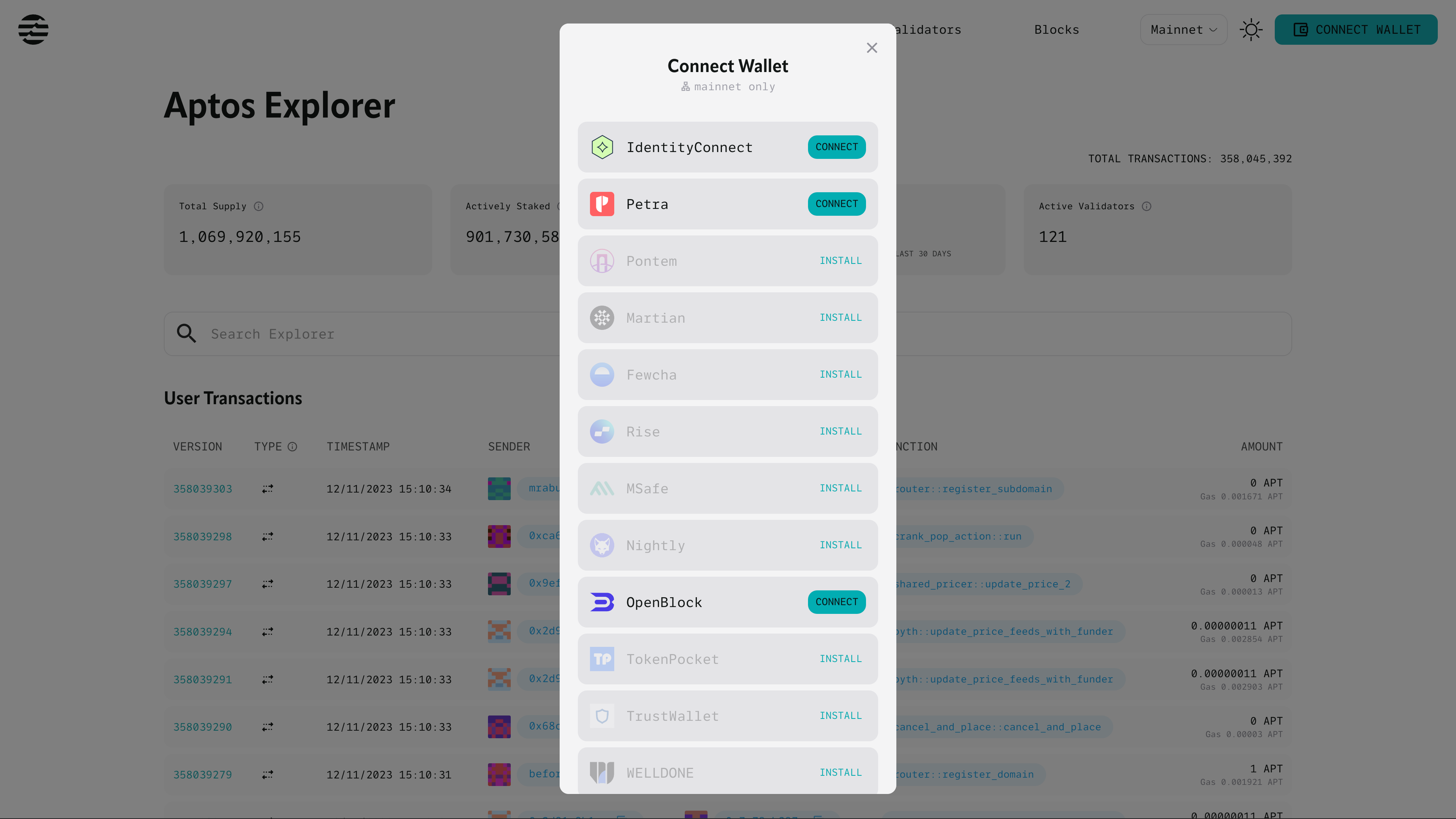
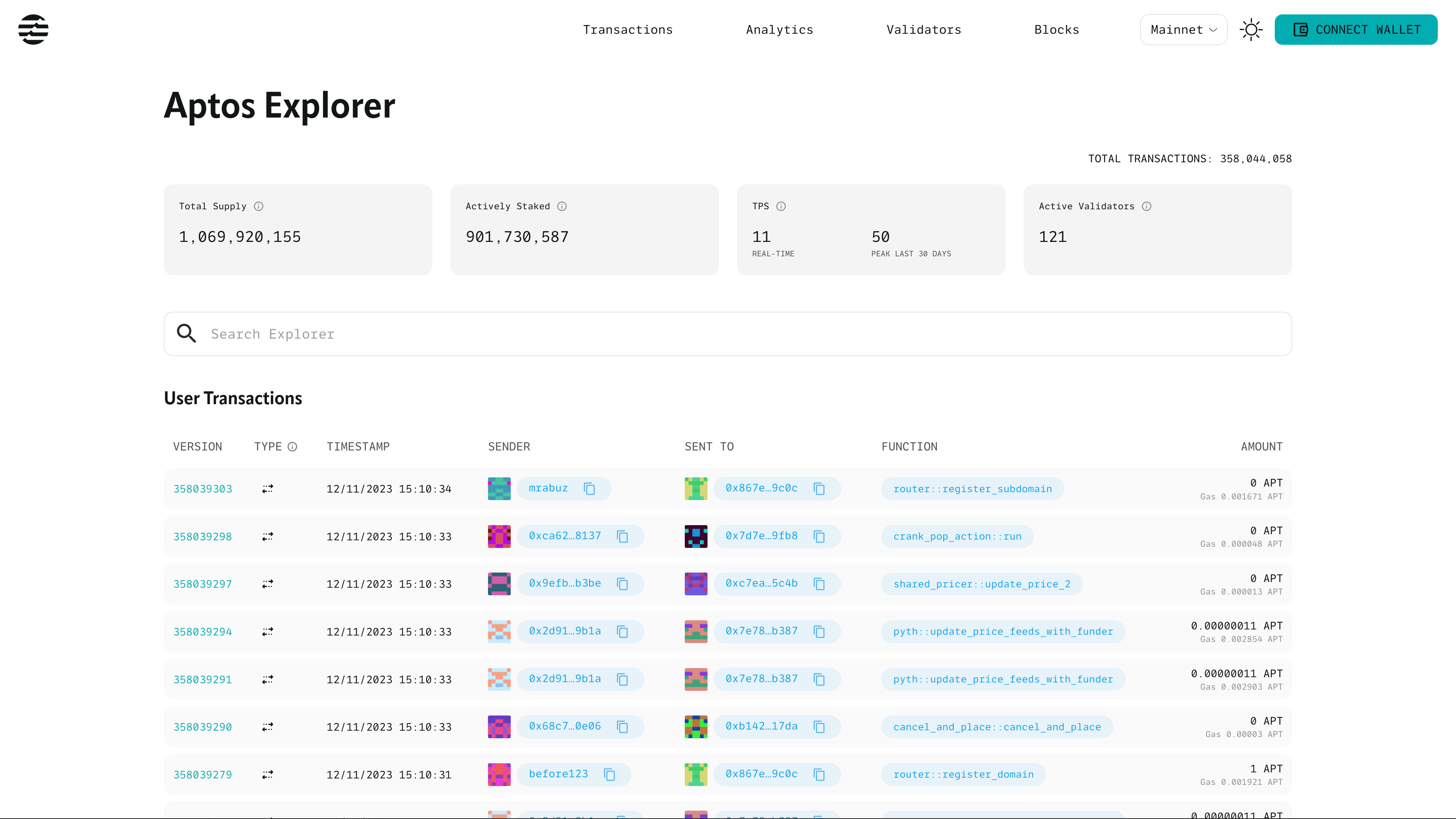
Step 2: Open Aptos Explorer (Mainnet)
4
Go to the official explorer:
https://explorer.aptoslabs.com
Important:
- Ensure network = Mainnet
- Do not use Devnet or Testnet
- Confirm the URL is correct
Step 3: Search for Your Transaction
Paste one of the following into the search bar:
- Transaction Hash (recommended)
- Version Number
- Your Wallet Address
Press Enter.
If using wallet address:
- Click “Transactions”
- Sort by newest
- Locate Decibel-related modules
Step 4: Understanding Transaction Details
Once opened, review the following sections.
Basic Information
- Timestamp (UTC/KST depending on settings)
- Status: Success / Failed
- Sender Address
- Gas Fee (usually < 0.001 APT)
If status = Success, the transaction is finalized and irreversible.
Function / Module Called
This section tells you what action occurred.
Common Decibel-related function calls include:
- place_order
- execute_match
- open_position
- close_position
- deposit
- withdraw
- vault_deposit
- vault_withdraw
This confirms exactly what smart contract logic was triggered.
Events Section (Most Important)
Expand the “Events” tab to decode execution details.
Position Events
- PositionOpened
- PositionClosed
- Entry Price
- Leverage
- Position Size
- Liquidation Price
Funding & Fees
- FundingPaid
- FundingReceived
- Trading Fee
- Referral Rebate
Vault Events
- Share token minted
- Share token burned
- Yield distribution
- Reward accrual
Balance Changes (CoinStore Events)
For deposits, withdrawals, or migration rewards:
You will see:
+X USDC
-X USDC
This confirms actual balance movement at the blockchain level.
How Aptos Finality Works
Aptos uses parallel execution (Block-STM architecture) to achieve near-instant transaction finality.
Typical confirmation time:
- Execution: < 1 second
- Explorer propagation: 5–30 seconds
If your transaction does not immediately appear, wait briefly and refresh.
Common Issues
“Transaction Not Found”
- Double-check hash copy (case-sensitive)
- Ensure Mainnet selected
- Wait 10–20 seconds
“Pending”
Normal behavior. Aptos finalizes extremely fast but UI refresh may lag slightly.
Alternative Explorers
If the official explorer loads slowly, you may try:
- OKLink Aptos Explorer
- Aptoscan (if available)
Always ensure you are viewing Mainnet data.
Why On-Chain Transparency Matters
Because Decibel Trade operates entirely on-chain:
- No hidden order books
- No internal matching engine manipulation
- No off-chain accounting
- No concealed liquidation logic
Every trade is cryptographically recorded on Aptos.
This is the structural advantage of decentralized perpetual trading.
Final Summary
Verifying Decibel Trade transactions on Aptos Explorer takes less than 30 seconds once you know the process.
Simply:
- Copy your transaction hash
- Paste into Aptos Explorer
- Review function calls and events
That’s it.
On-chain verification ensures full transparency, accountability, and control over your trading activity.